
How to integrate with out API
This guide helps you get started with using our API and effectively integrate your systems.
Using our API
Before you can start integrating with Uniify, you need to have a Team registered on our platform and a Uniify user account. We handle the setup, ensuring you have full access to your team.
Configuring API Key and Webhook
API Key:
We use the Bearer token method for authentication. This method assigns each user a unique token, which is used to access protected resources without transmitting a username and password for every request, thereby increasing security.
How to set it up:
Log in to Uniify.
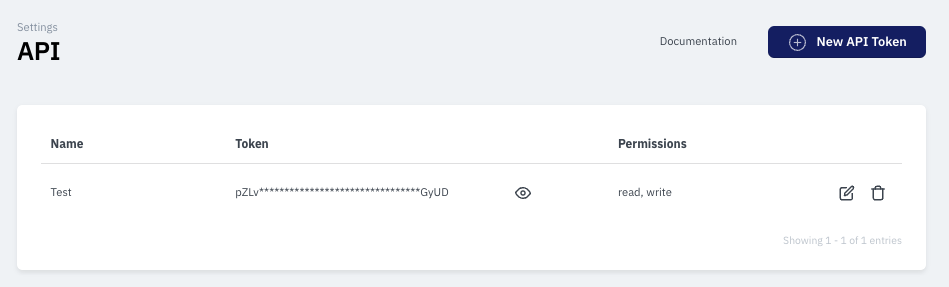
Go to Settings and find the API section.
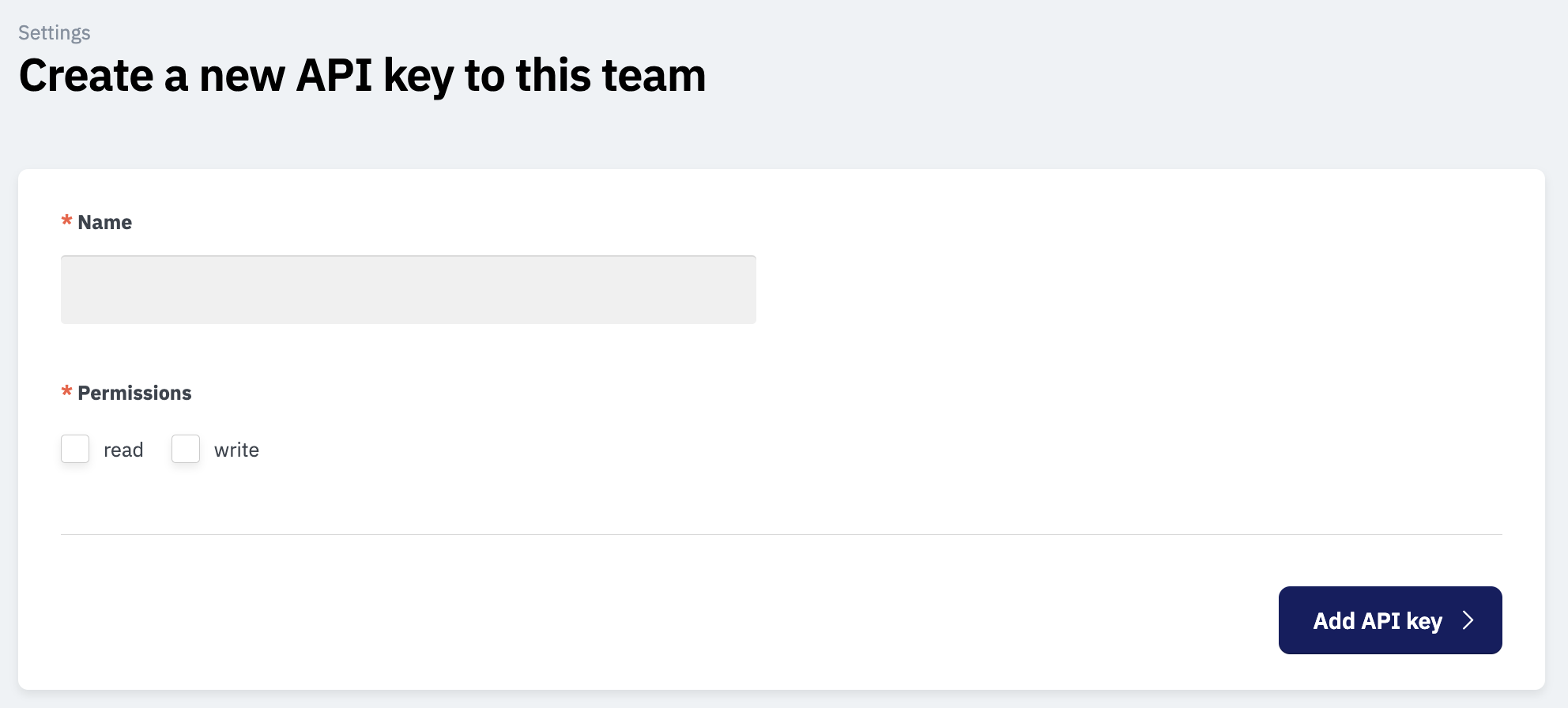
Click on Generate token.
Give your token a name (e.g., "CRM integration") and select the permissions Read and Write.
Webhook:
To set up webhooks, see our article Setting Up Webhooks. Once you have set up webhooks and generated a token, you are ready to use the API.
Getting Started
Create a case with a POST request:
Define two body parameters: a generic
case_type_codeand alabelrepresenting the case name.Update the
case_type_codedepending on which flow type (Individual or Business) you wish to trigger.Include the
flow_codein the entity object to specify the flow to be used. This code can be found on the platform.
Webhook Response:
After the steps above, the webhook should return the status "COMPLETED" if the operation is successful.
Retrieve data with a GET request:
Use the
get_entity_flowGET request to retrieve all data from a specific case.Define three path parameters:
case_code,entity_code(representing an individual or business), andentity_flow_code(a unique ID connecting the individual entity with the associated flow). All three parameters are returned in the preceding POST request.
Technical Documentation
Find all technical details, endpoints, and examples in our documentation. Get a quick overview of how to build your integration from scratch. Read more here
Need help with the integration?
If you experience issues with your API token or if the documentation raises any questions, we are ready to help. Reach out via chat or at support@uniify.io, and we’ll help your technical team get started.